Teacher Portal Access

Please enter your password to continue

Incorrect password. Please try again.

Elementary Student AI & Media Literacy Curriculum

Access digital citizenship and AI literacy training modules below. Each unit includes a classroom video and teacher resources designed to build cyber-awareness in elementary students.

search
Don't Click That!
play_arrow
1:47
Cybersecurity Basics

Don't Click That!

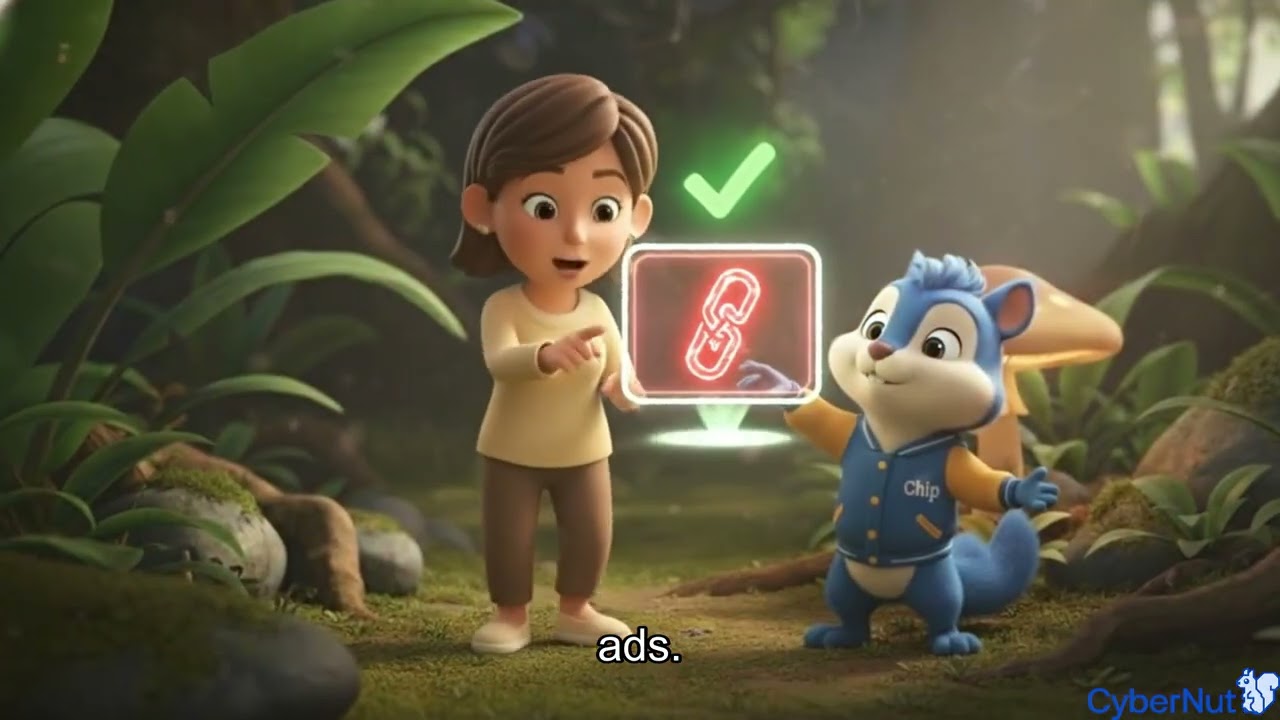
Learn why it's important to think before clicking on links or buttons online. This lesson teaches students to recognize suspicious links and avoid potential online dangers.

Key Learning Outcomes

  • Identify suspicious links and buttons
  • Understand consequences of clicking unknown links
  • Practice safe clicking habits

When Tech Makes You Tired
play_arrow
1:34
Healthy Tech Use

When Tech Makes You Tired

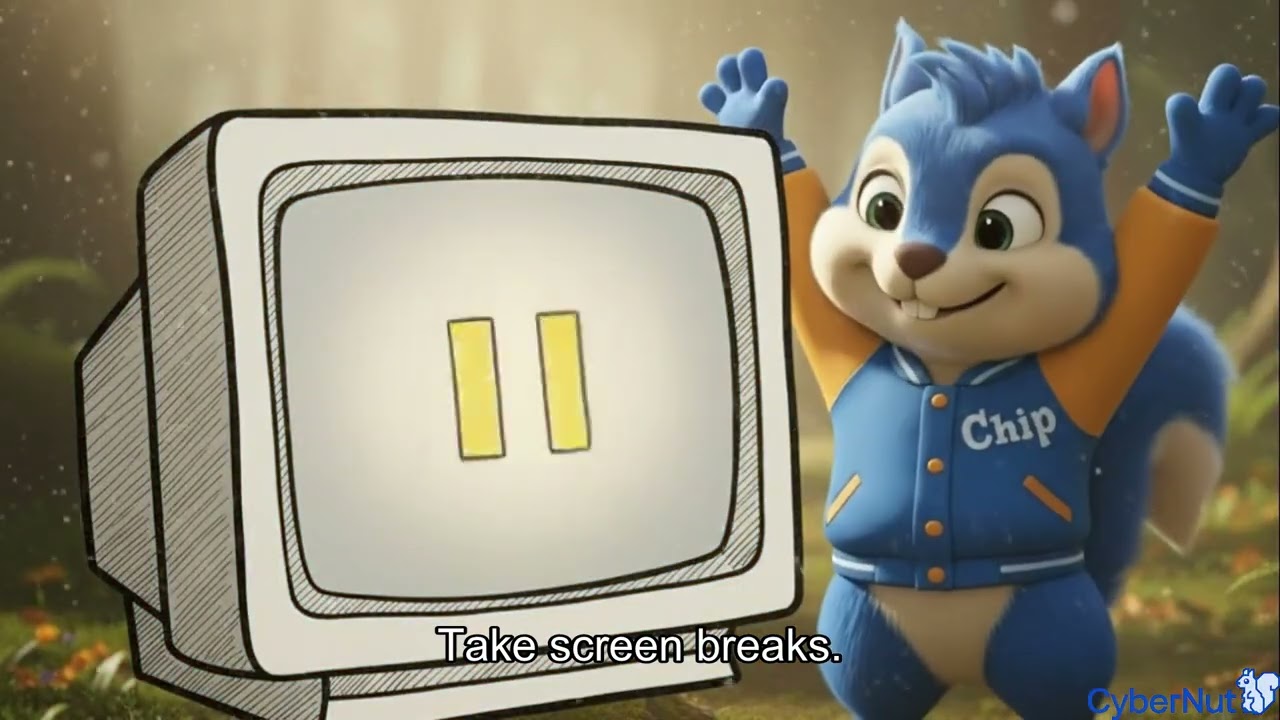
Explore how too much screen time can affect our bodies and minds. Students learn to recognize signs of tech fatigue and discover healthy habits for balanced technology use.

Key Learning Outcomes

  • Recognize signs of screen fatigue
  • Understand how screens affect sleep and mood
  • Learn healthy tech break strategies
Kindness Counts Online
play_arrow
2:36
Safe Online Behavior

Kindness Counts Online

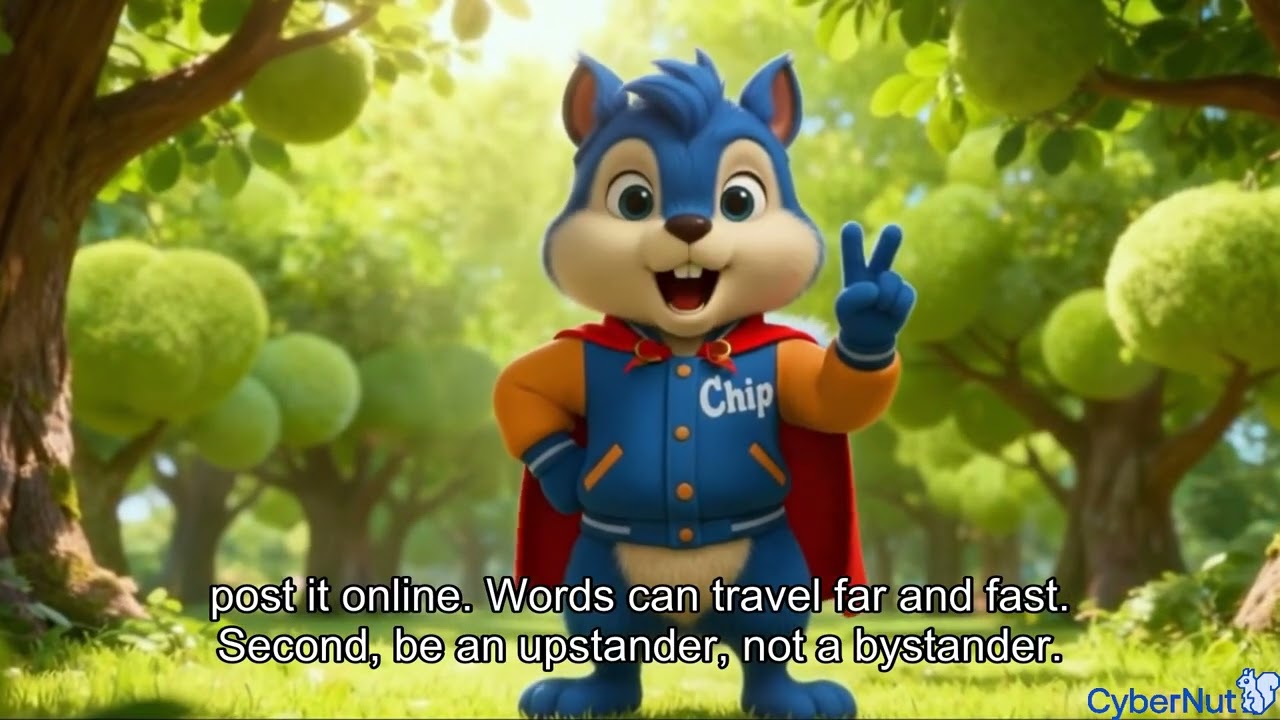
Discover why being kind online is just as important as being kind in person. This lesson teaches students about digital citizenship and treating others with respect in online spaces.

Key Learning Outcomes

  • Understand impact of words online
  • Practice respectful digital communication
  • Recognize and respond to cyberbullying
Personal Info: What's Okay to Share?
play_arrow
1:35
Data Privacy & Protection

Personal Info: What's Okay to Share?

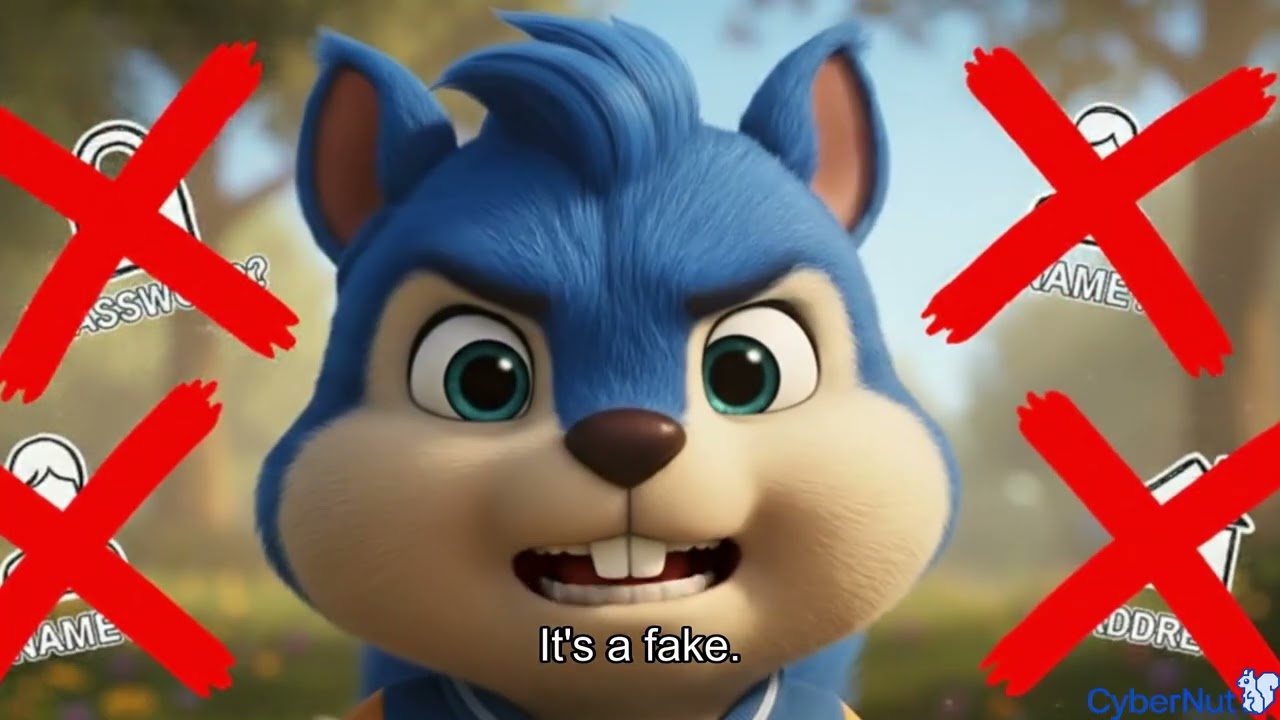
Learn the difference between information that's safe to share and information that should stay private. Students discover how to protect their personal details online.

Key Learning Outcomes

  • Distinguish private vs. shareable information
  • Understand why personal data matters
  • Make smart sharing decisions
Phishing Made Simple
play_arrow
1:32
Cybersecurity Basics

Phishing Made Simple

Understand what phishing is and how to spot it. Students learn to identify tricky messages that try to steal information and what to do when they encounter them.

Key Learning Outcomes

  • Define phishing in simple terms
  • Spot red flags in suspicious messages
  • Know what to do when phished
Is that a Robot or a Person?
play_arrow
1:36
Engaging AI Safely

Is that a Robot or a Person?

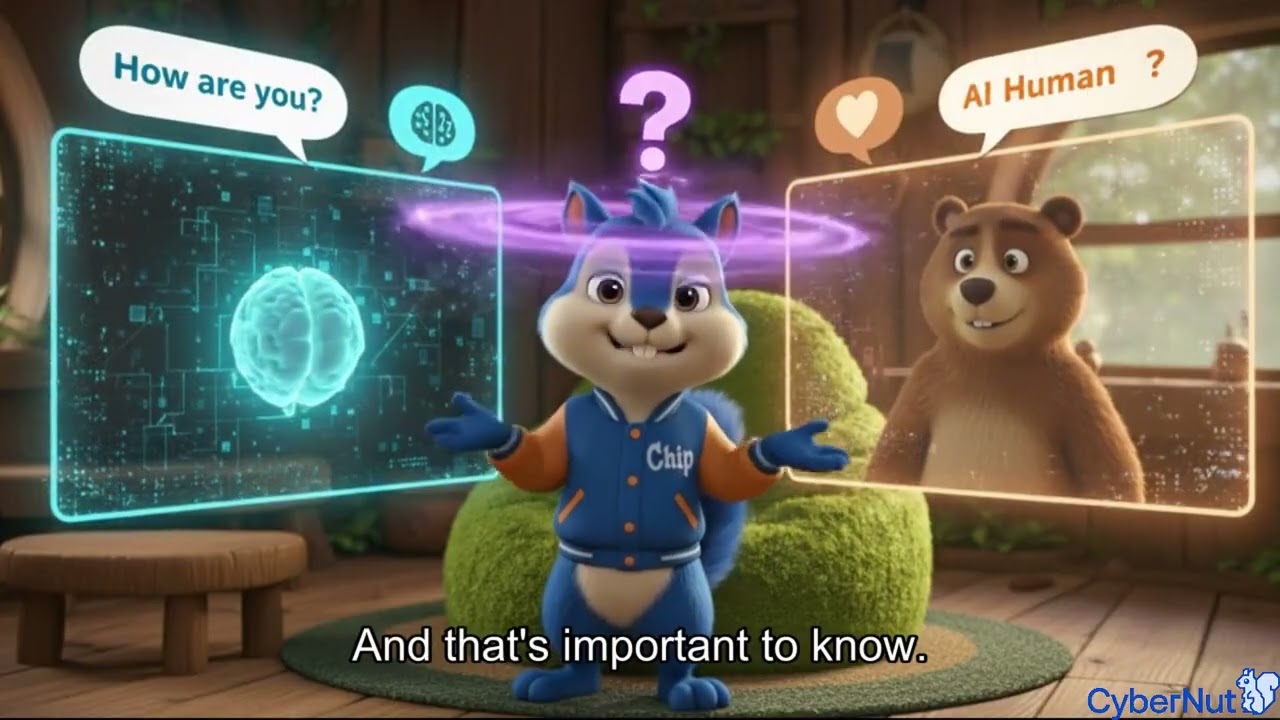
Explore the world of artificial intelligence and learn how to tell the difference between AI and real people online. Students discover how to interact safely with AI technology.

Key Learning Outcomes

  • Understand what AI is
  • Identify AI vs. human interactions
  • Learn safe AI interaction practices
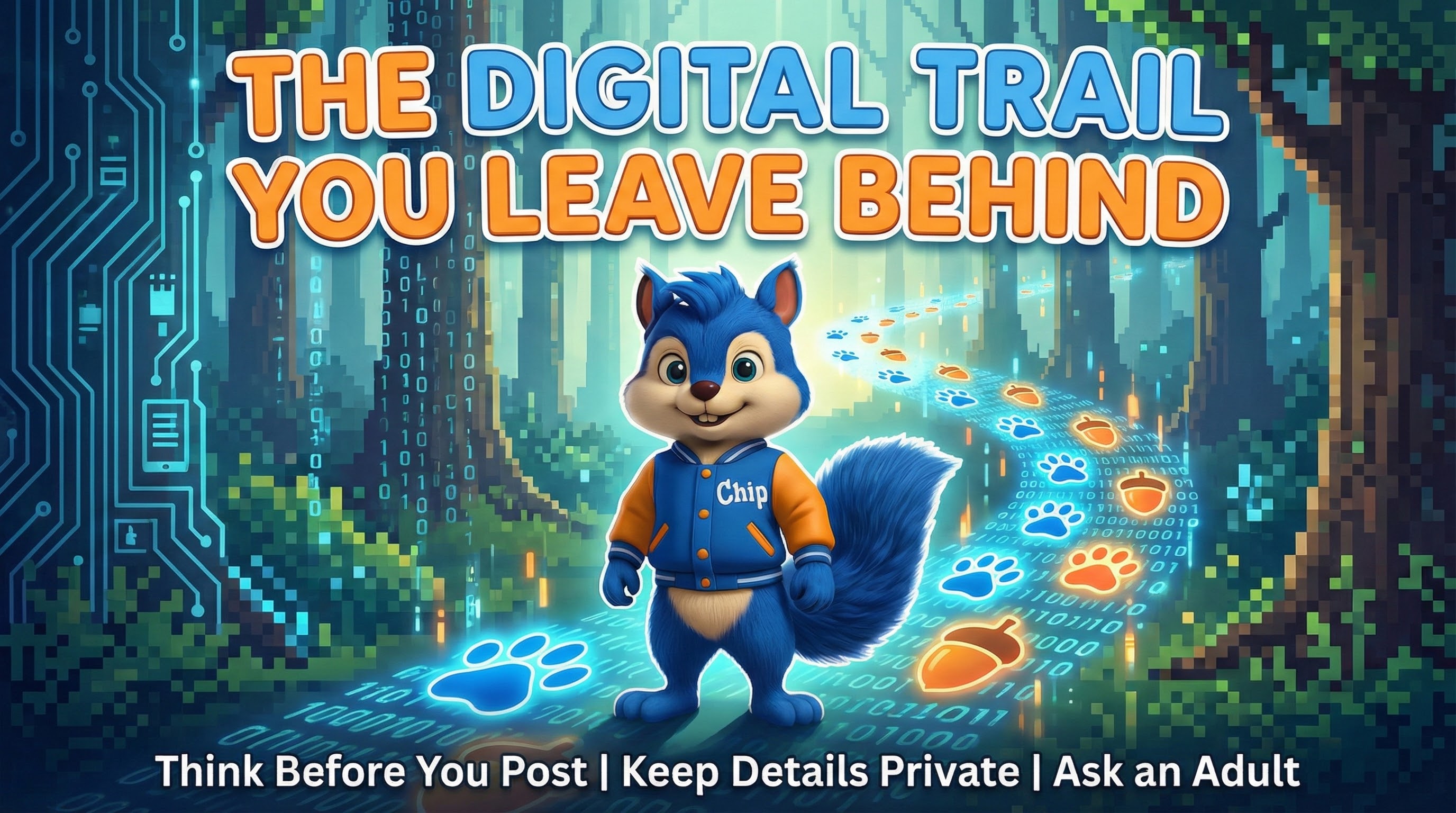
The Digital Trail You Leave Behind
play_arrow
1:41
Data Privacy & Protection

The Digital Trail You Leave Behind

Learn about digital footprints and how our online activities create a trail. Students understand why it's important to think about what they do online.

Key Learning Outcomes

  • Understand digital footprints
  • Recognize how data is collected
  • Think before posting online
Check with a Grown Up
play_arrow
1:36
Media Literacy

Check with a Grown Up

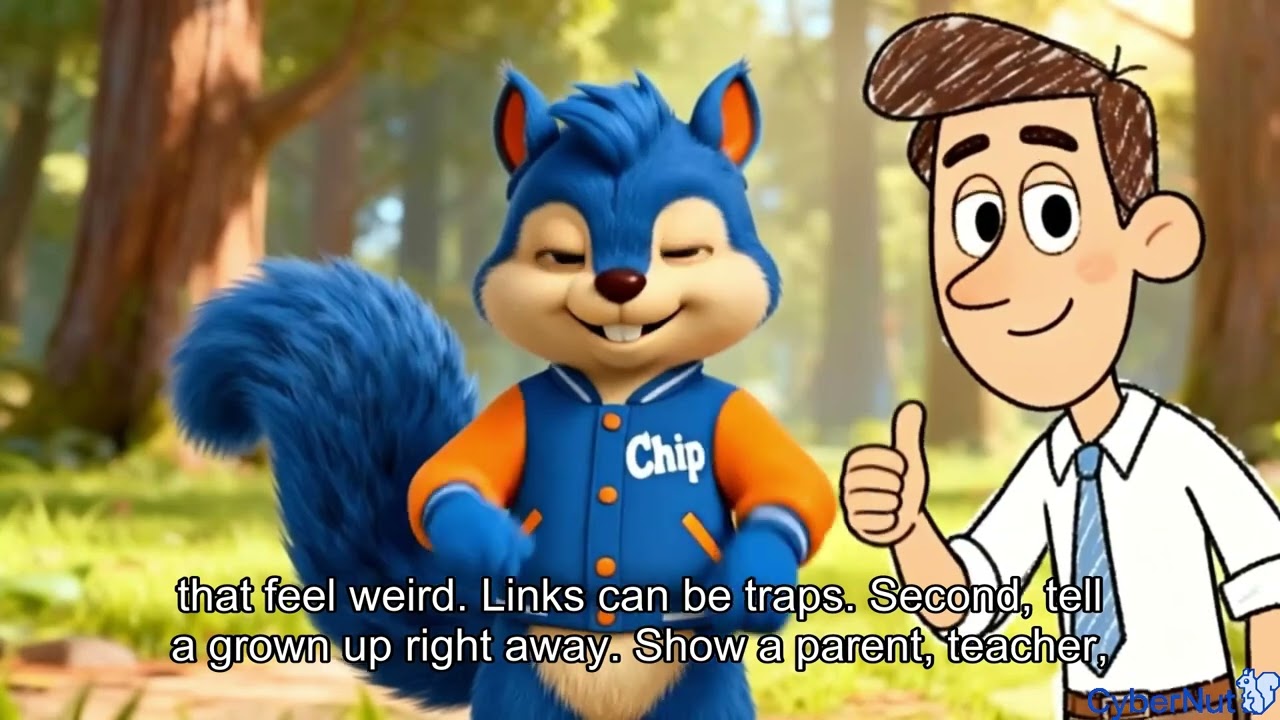
Learn when and why to ask a trusted adult for help online. Students discover situations where checking with a grown-up is the smart choice.

Key Learning Outcomes

  • Identify when to ask for help
  • Know who trusted adults are
  • Feel confident asking questions
Classroom Technology Rules
play_arrow
1:49
Safe Online Behavior

Classroom Technology Rules

Understand the important rules for using technology in the classroom. Students learn how to be responsible digital citizens at school.

Key Learning Outcomes

  • Follow classroom tech guidelines
  • Respect shared devices
  • Use technology responsibly at school
Focus First, Fun Later
play_arrow
1:34
Healthy Tech Use

Focus First, Fun Later

Learn about managing distractions and staying focused when using technology. Students discover strategies for prioritizing tasks before entertainment.

Key Learning Outcomes

  • Recognize digital distractions
  • Prioritize tasks over entertainment
  • Build healthy tech habits
Can You Believe Everything Online?
play_arrow
2:24
Media Literacy

Can You Believe Everything Online?

Explore critical thinking skills for evaluating online information. Students learn to question what they see and read on the internet.

Key Learning Outcomes

  • Question online information
  • Identify misinformation
  • Verify facts before sharing
Taking Care of Your Device
play_arrow
1:54
Device/Account Security

Taking Care of Your Device

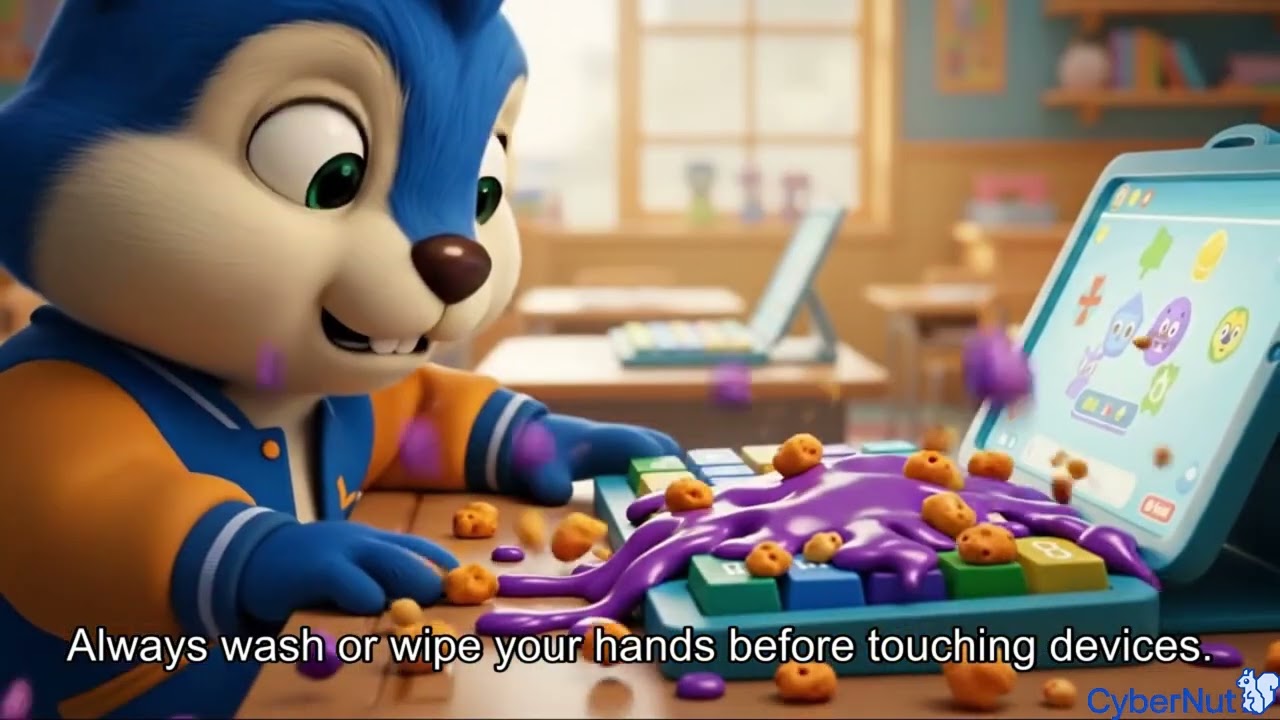
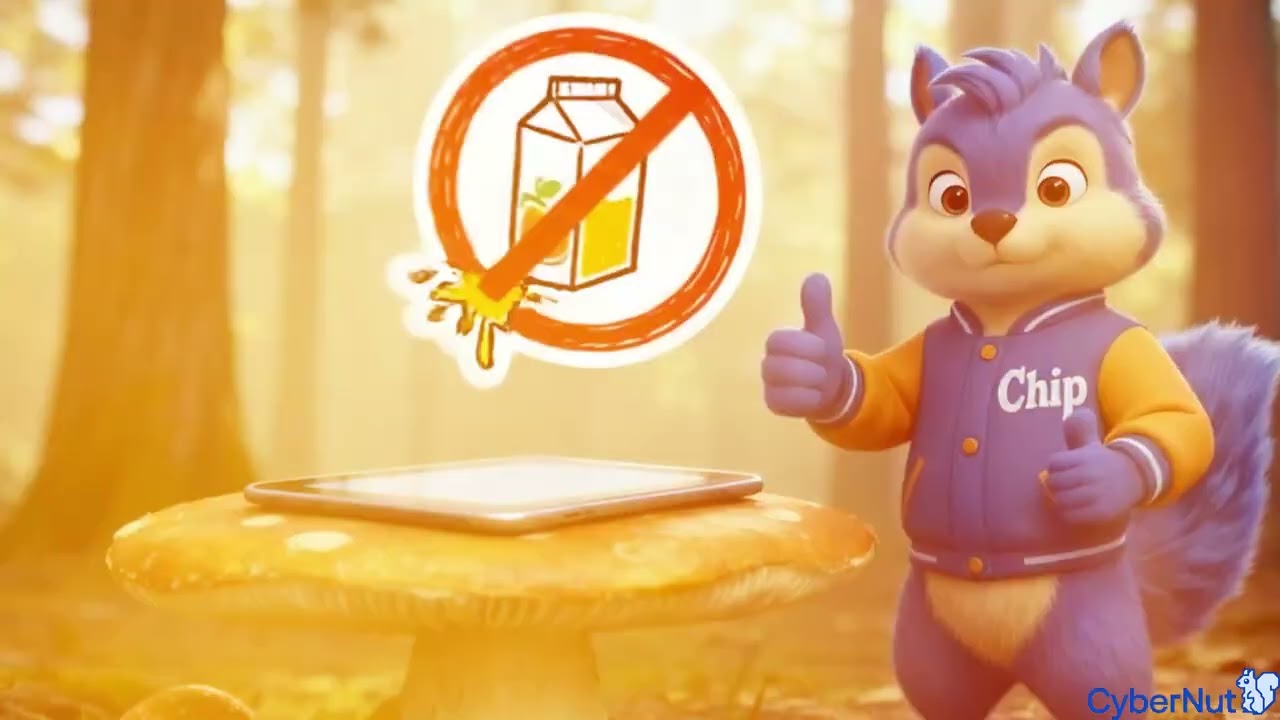
Learn how to properly care for and protect your devices. Students discover best practices for keeping their technology safe and working well.

Key Learning Outcomes

  • Handle devices with care
  • Keep devices clean and charged
  • Report problems to adults
Sharing Accounts Isn't Sharing Toys
play_arrow
2:00
Device/Account Security

Sharing Accounts Isn't Sharing Toys

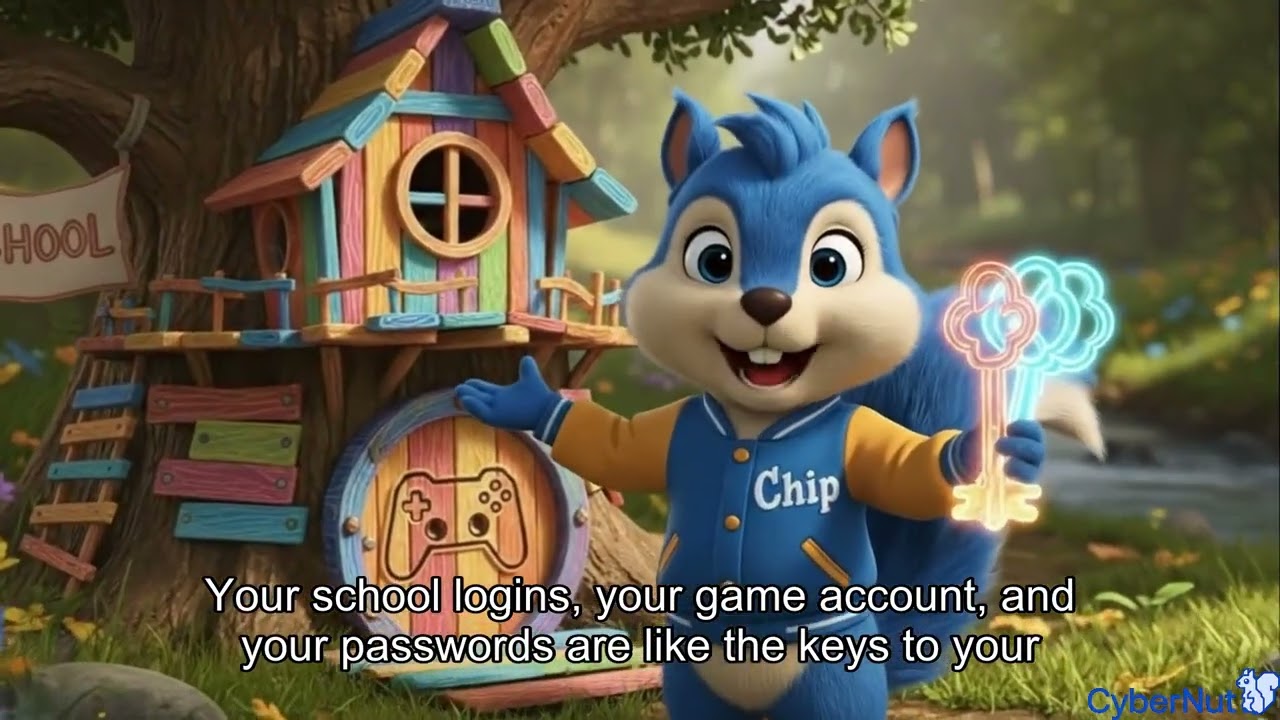
Understand why keeping accounts private is important. Students learn the difference between sharing toys and sharing passwords or accounts.

Key Learning Outcomes

  • Keep passwords private
  • Understand account ownership
  • Know when sharing isn't safe
Screen Time Balance
play_arrow
1:29
Healthy Tech Use

Screen Time Balance

Learn about balancing screen time with other activities. Students discover ways to enjoy technology while still making time for play, family, and rest.

Key Learning Outcomes

  • Balance screen and non-screen activities
  • Create healthy daily routines
  • Enjoy tech without overusing it